

Configuration
To filter requests by an IP address (or IP address ranges):- Navigate to the Security > Network tab.
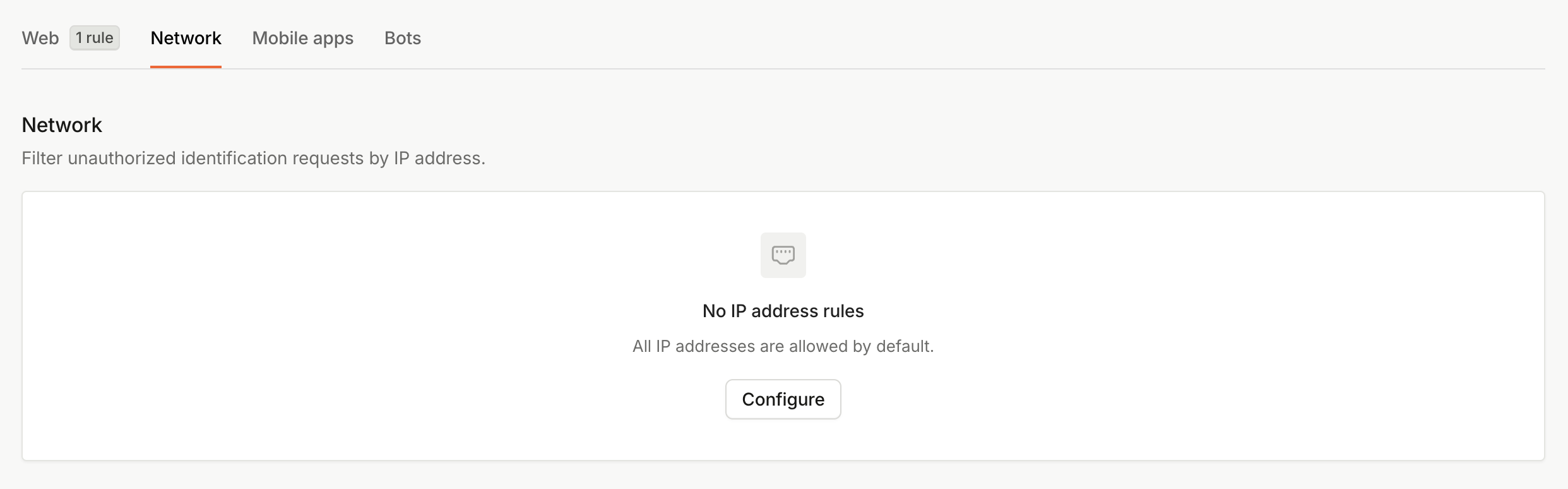
- Under No IP address rules, click Configure.
- To create an IP Blocklist, set Default behavior to
Allow all besides the IP addresses listed below. Then fill in the Exceptions field with your list of blocked IP addresses.
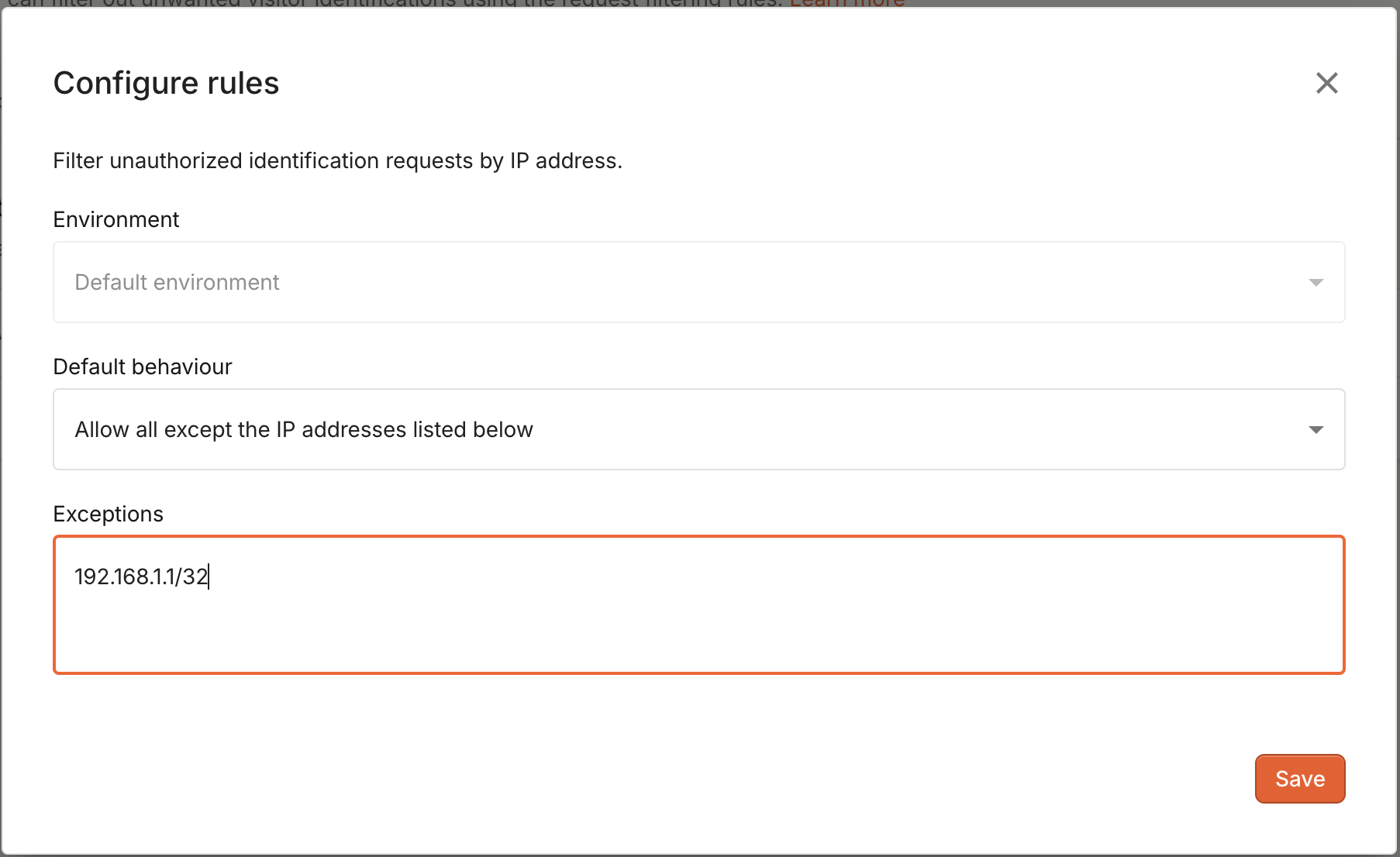
- Click Save.
IP address format
The configuration accepts both single IP addresses in the form of192.168.1.1/32 and IP address ranges defined by their CIDR representation (e.g. 192.168.1.1/16).