

event_id in those cases.
AI bots filtering based on
User-Agent is a basic mechanism we provide for free to filter out
commonly encountered and generally well behaved search bots. Because of its simplicity, it might
introduce both false positive and false negative cases. If you need better protection
against sophisticated bots, check out our Smart Signals that contain a paid Bot Detection
product.Configuration
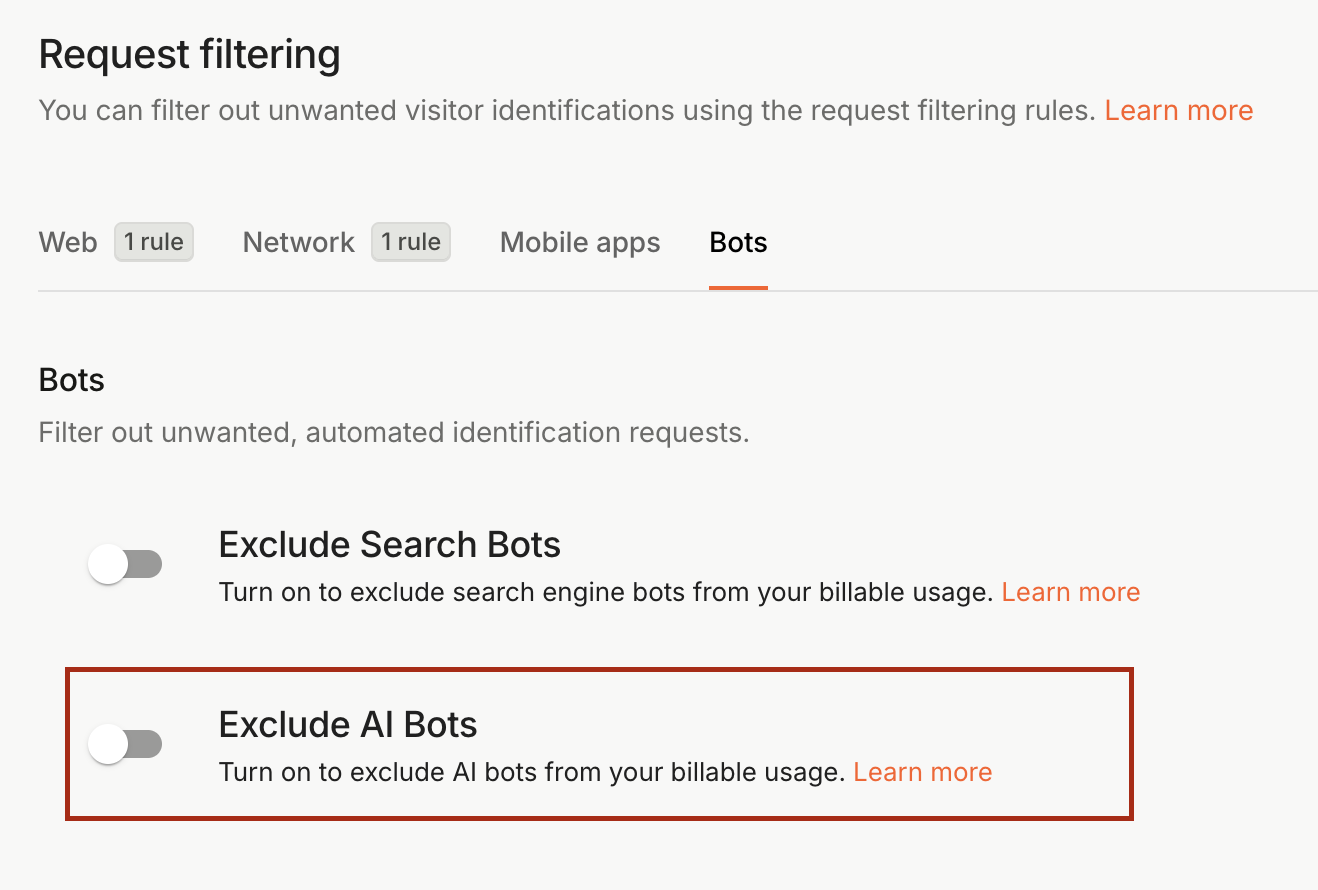
AI Bots Filtering can be turned on or off in our Dashboard.- Navigate to Dashboard > Security and switch to the Bots tab.
- Enable Exclude AI Bots to start filtering AI bots from your billable API calls.
List of supported search bots User-Agent strings
The list of AI bots User-Agent strings we support is public and we keep it updated based on the currently supported User-Agent strings. The following table contains all supported User-Agent strings with their respective information sources.